Settings Panel
1. Overview
The Settings Panel is the configuration center for FiraClaw. Here you can adjust various settings of the software to personalize your experience.
2. Settings Categories
FiraClaw provides the following main settings categories:
2.1 Basic Settings
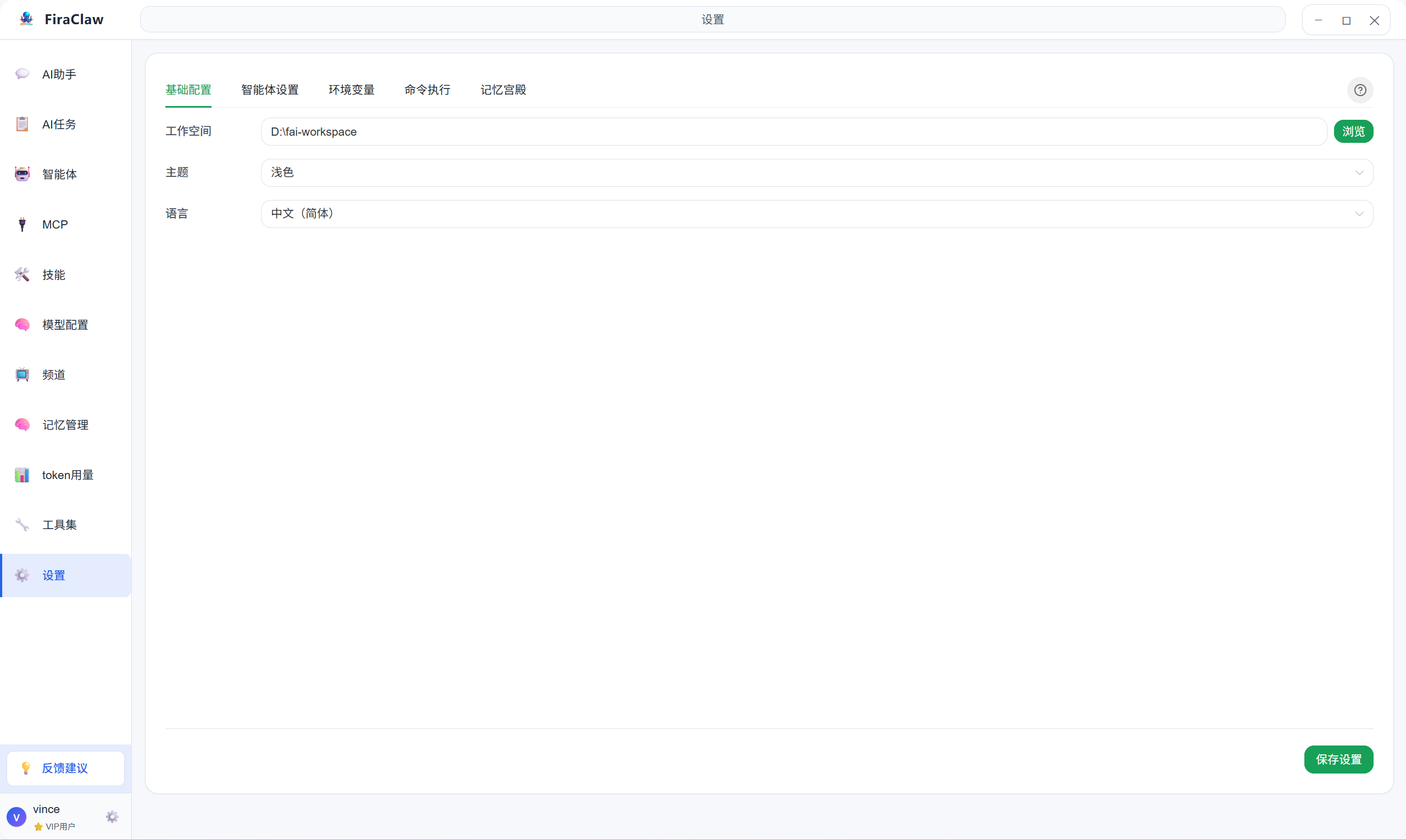
Basic settings include basic configuration options for the software:
- Workspace: Specify the working directory for agents when executing tasks
- Language: Select the display language for FiraClaw
- Appearance: Adjust the software theme, font size, etc.
2.2 Agent Settings
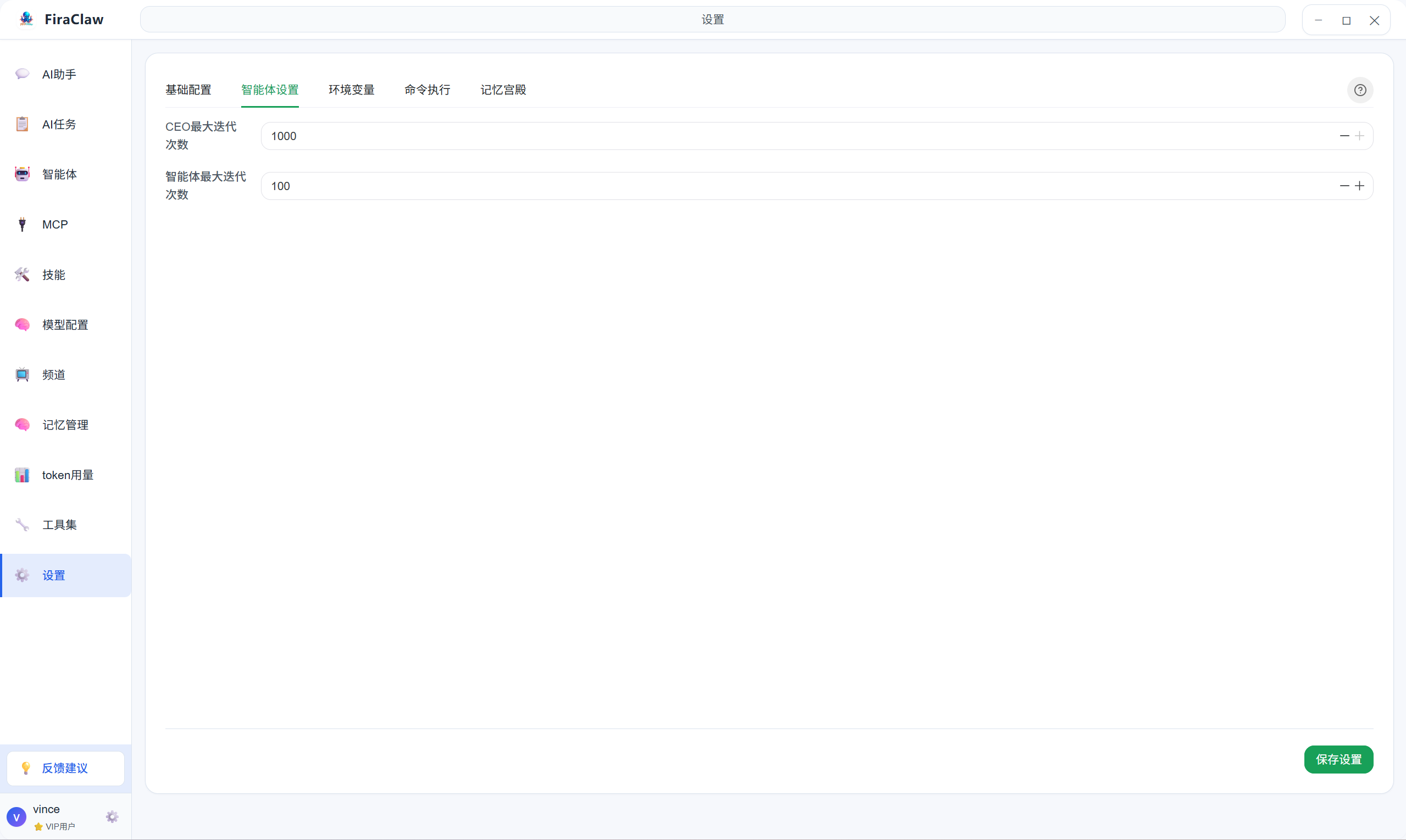
Agent settings are used to configure behavior parameters for agents:
- Max Iterations: Set the maximum number of iterations to prevent infinite loops
- Max Task Iterations: Set the maximum number of iterations for task execution to prevent tasks from running too long
2.3 Environment Variables Settings
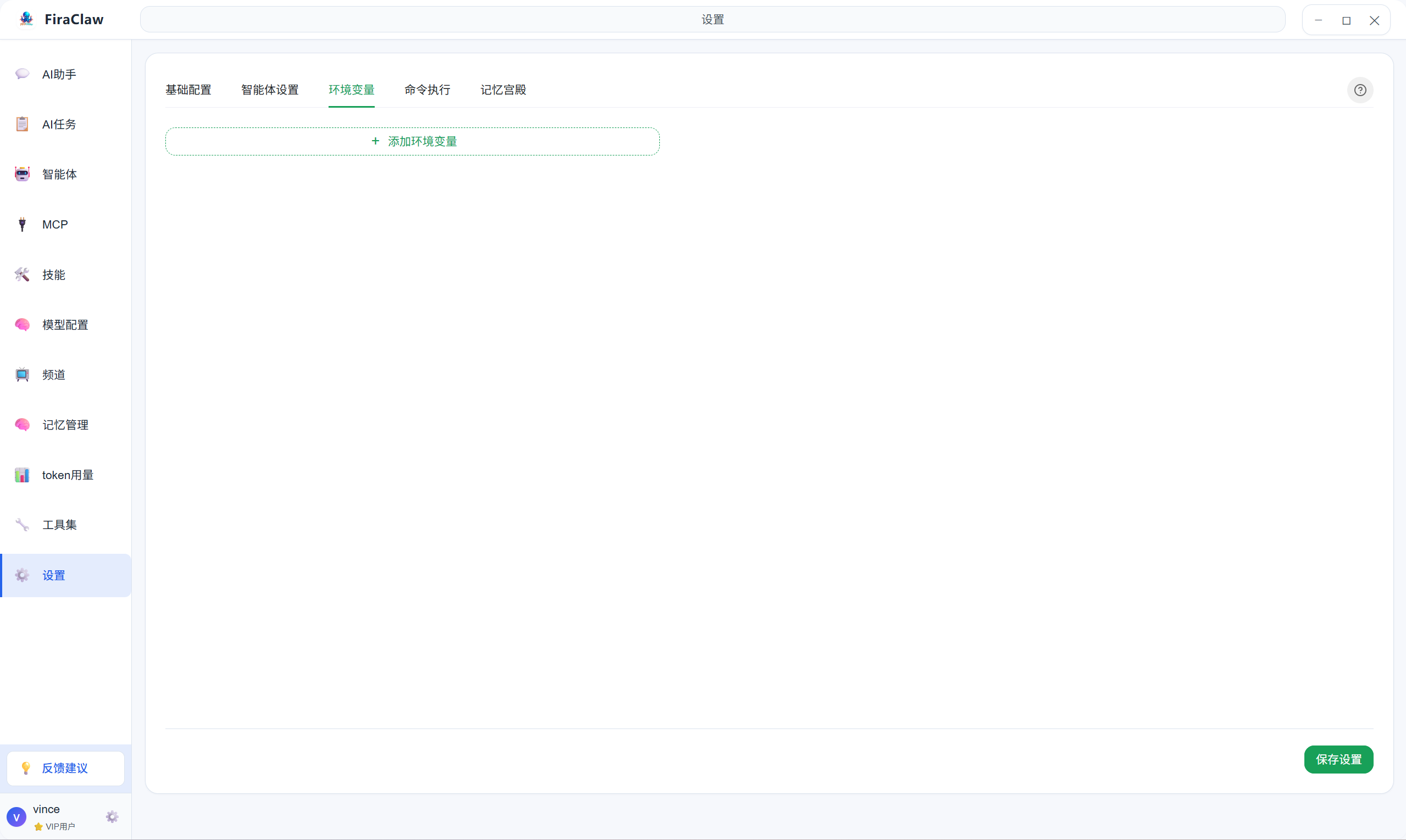
Environment variables settings are used to manage environment configuration for agent runtime:
- Add Environment Variable: Create a new environment variable
- Edit Environment Variable: Modify the value of an existing environment variable
- Delete Environment Variable: Remove environment variables that are no longer needed
2.4 Command Execution Settings
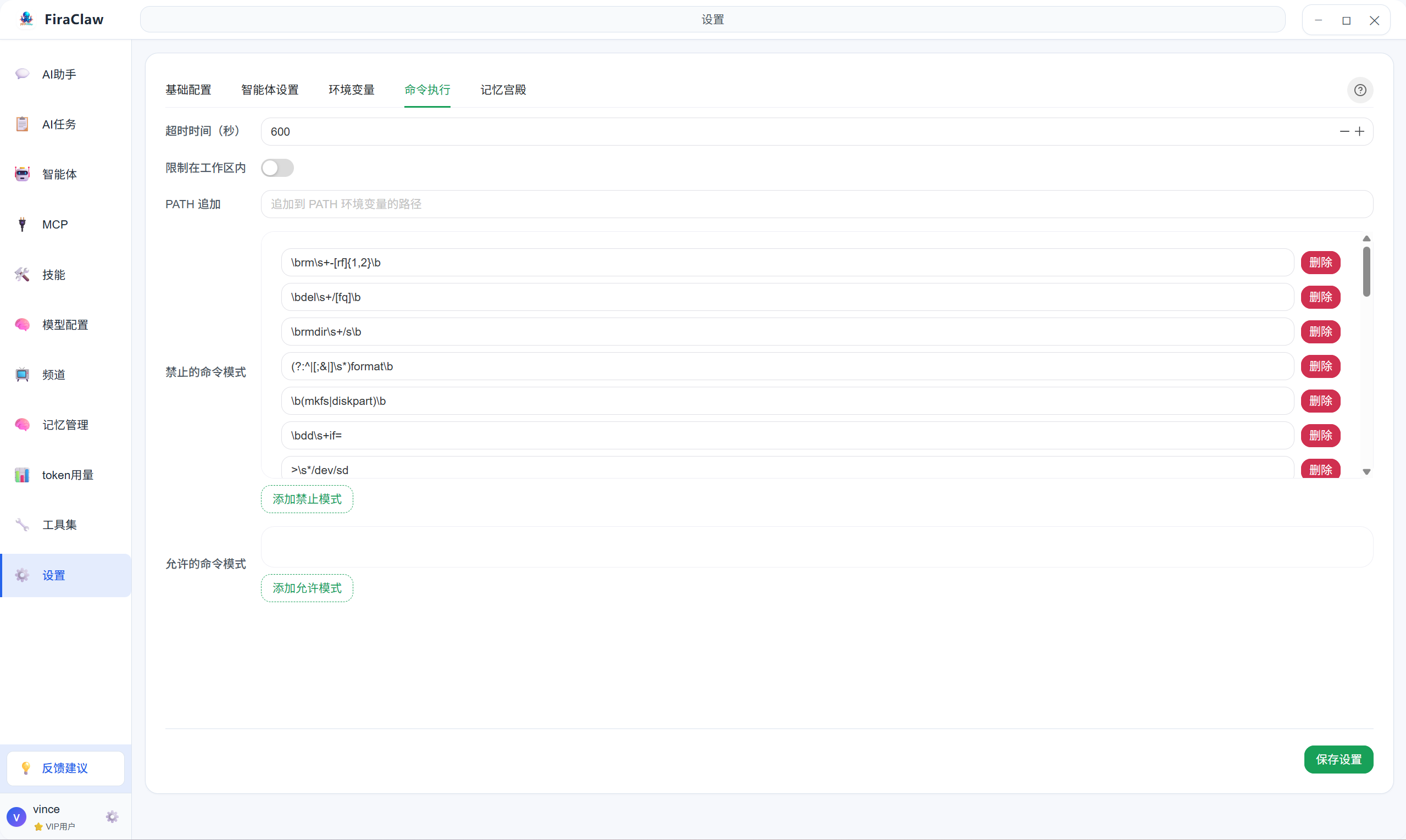
Command execution settings are used to configure permissions and security policies for agent command execution:
- Command Whitelist: Set the list of allowed commands to execute
- Command Blacklist: Set the list of prohibited commands
- Execution Timeout: Set the maximum timeout for command execution
2.5 Memory Settings
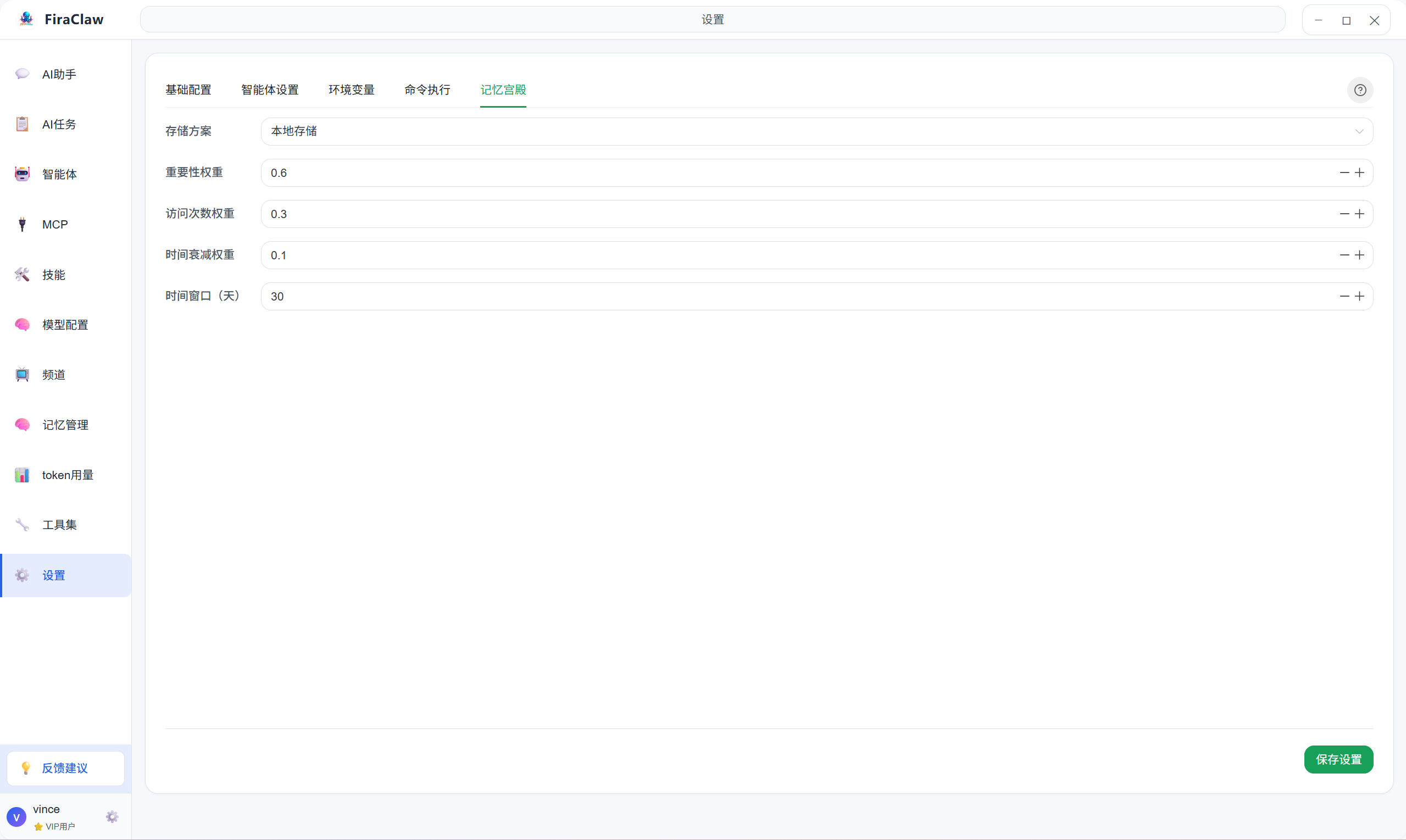
Memory settings are used to manage the memory function of agents:
- Storage Scheme: Select the storage scheme for memory, such as local storage, cloud storage, etc.
- Importance Weight: Set the importance weight for short-term and long-term memory
- Access Count Weight: Set the weight for accessing memory, used to determine the priority of memory
- Time Decay Weight: Set the time decay weight for memory, used to determine the priority of memory
- Time Window: Set the time window for automatic memory cleanup, in days
3. FAQ
Q1: Do I need to restart the software after modifying settings?
A: Most setting modifications take effect immediately without restarting the software.
Q2: What do environment variables do?
A: Environment variables can store sensitive information (such as API Keys) or configuration data for agents to use during task execution, avoiding hardcoding sensitive information in code.
Q3: How to ensure command execution security?
A: It is recommended to enable whitelist mode, only allowing execution of commands you trust, and set reasonable execution timeout times.
Q4: Will memory function affect performance?
A: Reasonably configuring memory storage strategies and auto cleanup rules can maintain good system performance. It is recommended to adjust the duration and quantity of memory storage based on actual needs.